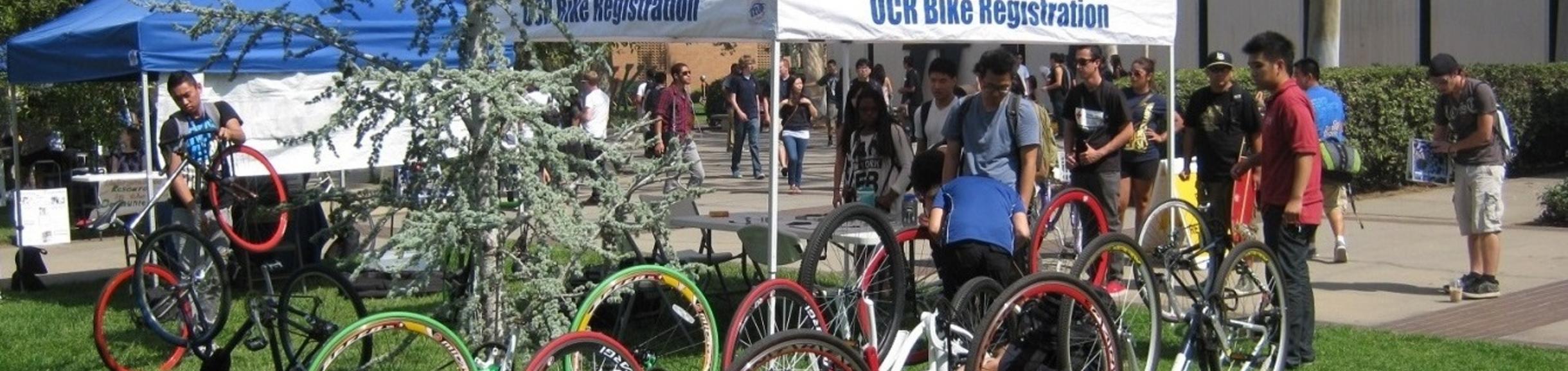
UCR Transportation Services (TAPS) supports an internal bike registry system and recommends that bicyclists license/register their bikes. Registration is provided at no cost to all faculty, staff, and enrolled students. It helps to identify your property in the event your bike is lost, stolen, recovered, or impounded.
You can register your bike online by following the steps below. You can also register in person by taking your bike to Transportation Services weekdays, between the hours of 8am-4pm.
How to register your bike online:
1) Locate your bike’s serial number.
For the bike registration to be effective, the serial number needs to be provided. Serial numbers are usually a combination of letters and numbers stamped on the bicycle’s frame. Most are located under the bottom bracket where the two pedal cranks meet. If your bike does not have a serial number, bring your bike to TAPS and we can provide you with tools to engrave your student/employee ID number on your frame.


2) Fill out our online registration form.
3) To complete your registration and receive your decal(s), you must:
-Come to the TAPS office (located at 683 Linden Street, just east of the North District). Our business hours are Monday-Friday between 8am-4pm. We stay open during lunch hours for your convenience.
OR
-Visit the Transportation Services table at the Bell Tower (every Wednesday during the Nooners event from 11am-1pm, Academic year only). If we are not present, please go to our office instead.
4) Apply the decal to your bicycle.
Once you’ve picked up your decals, place them on your bicycle frame as seen in the photo below. The decals must be visible. You will receive one license decal and one renew decal that lists an expiration date. Once expired, you will need to register your bike again to renew the registration and receive an updated renewal decal.
